 OCTACORELOOP
OCTACORE Loop
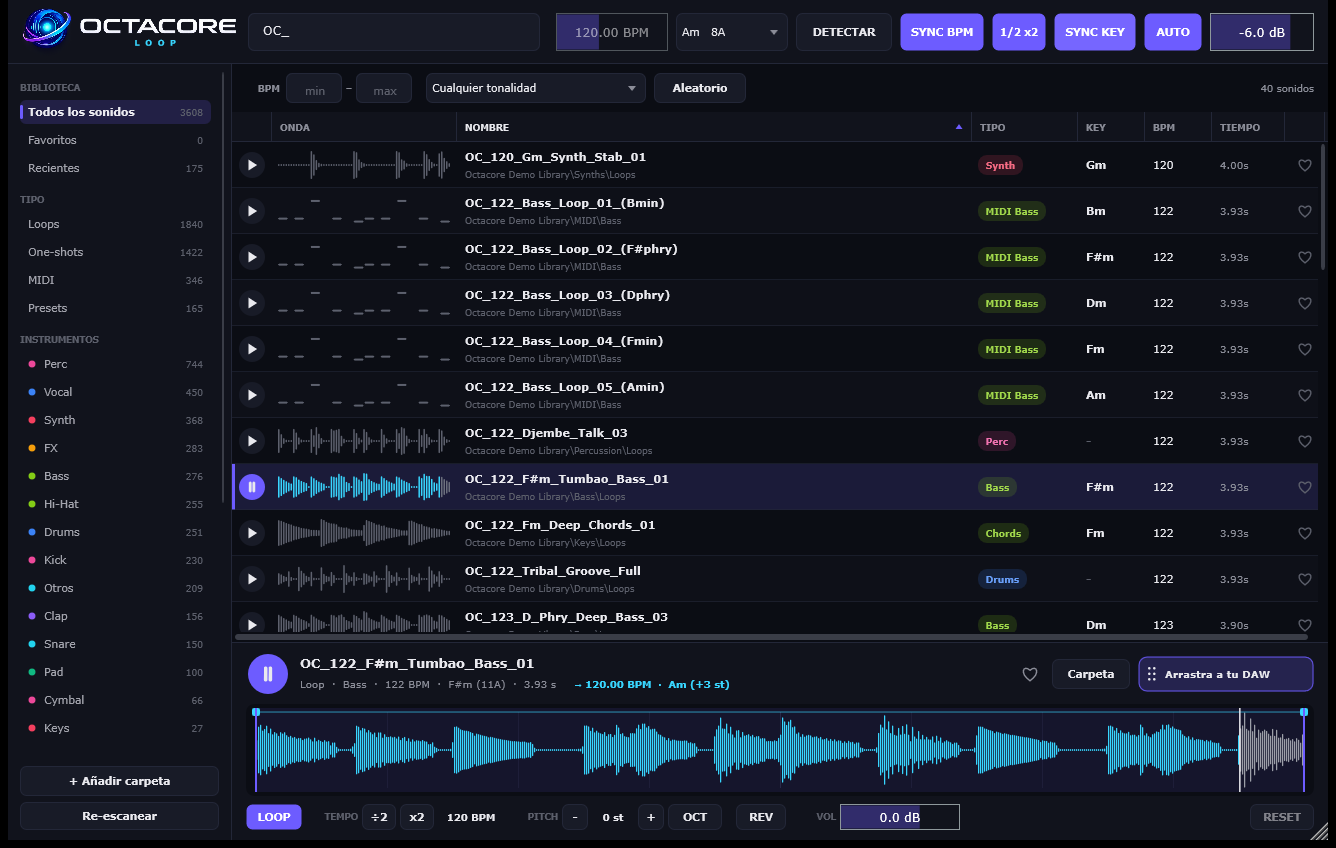
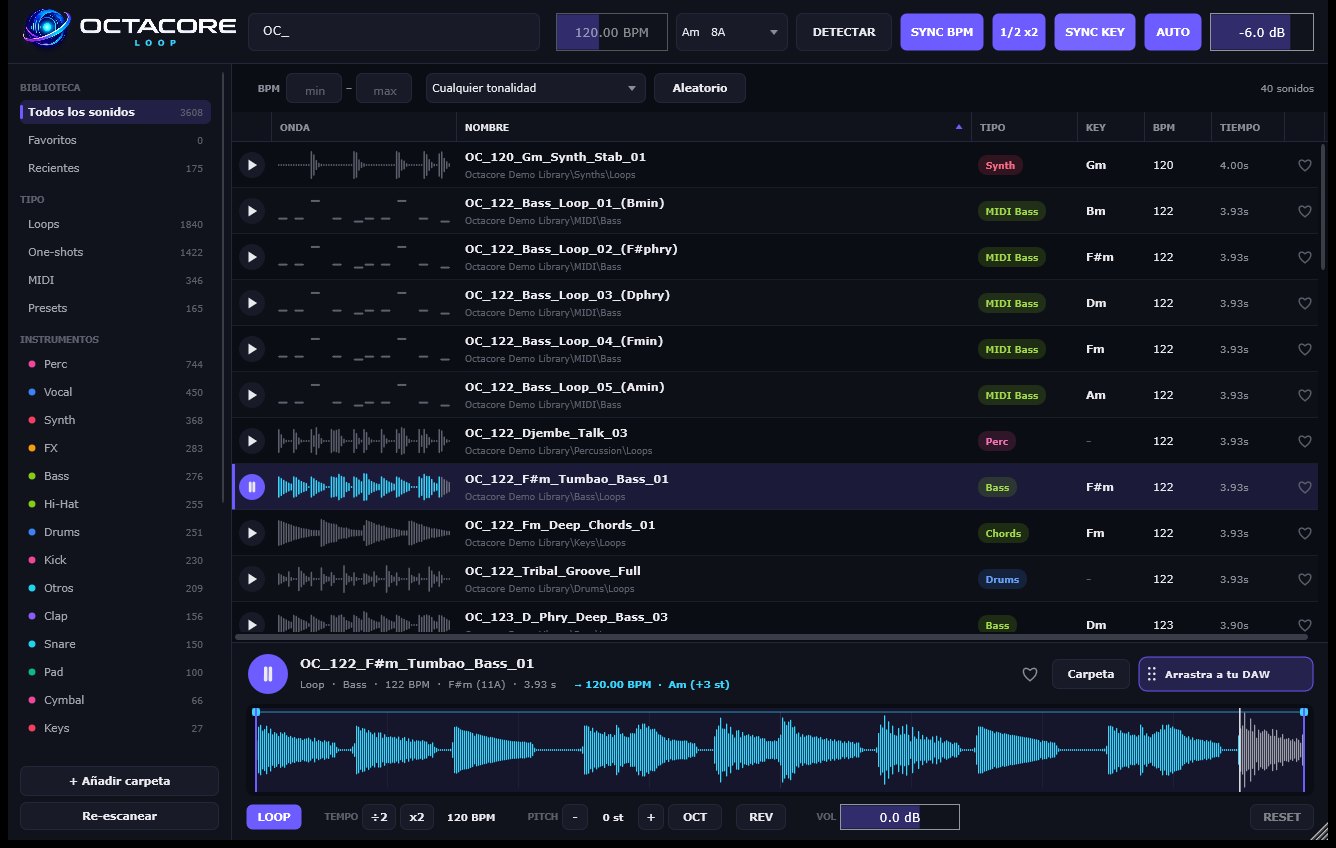
OCTACORE Loop is a sample browser that lives inside your DAW. Point it at your folders —packs, loops, one-shots, MIDI and synth presets such as Serum— and it analyses them in the background: it detects the tempo, key and instrument type of every sound without uploading anything.
Then you search like on Splice: type “bass”, “Gm” or “124”, filter by type, instrument, BPM range or key, and press play. With SYNC BPM and SYNC KEY every loop is already stretched to your project tempo and transposed to its key, so you hear how it fits before using it. If you don't know the key of the track, DETECT listens for you.
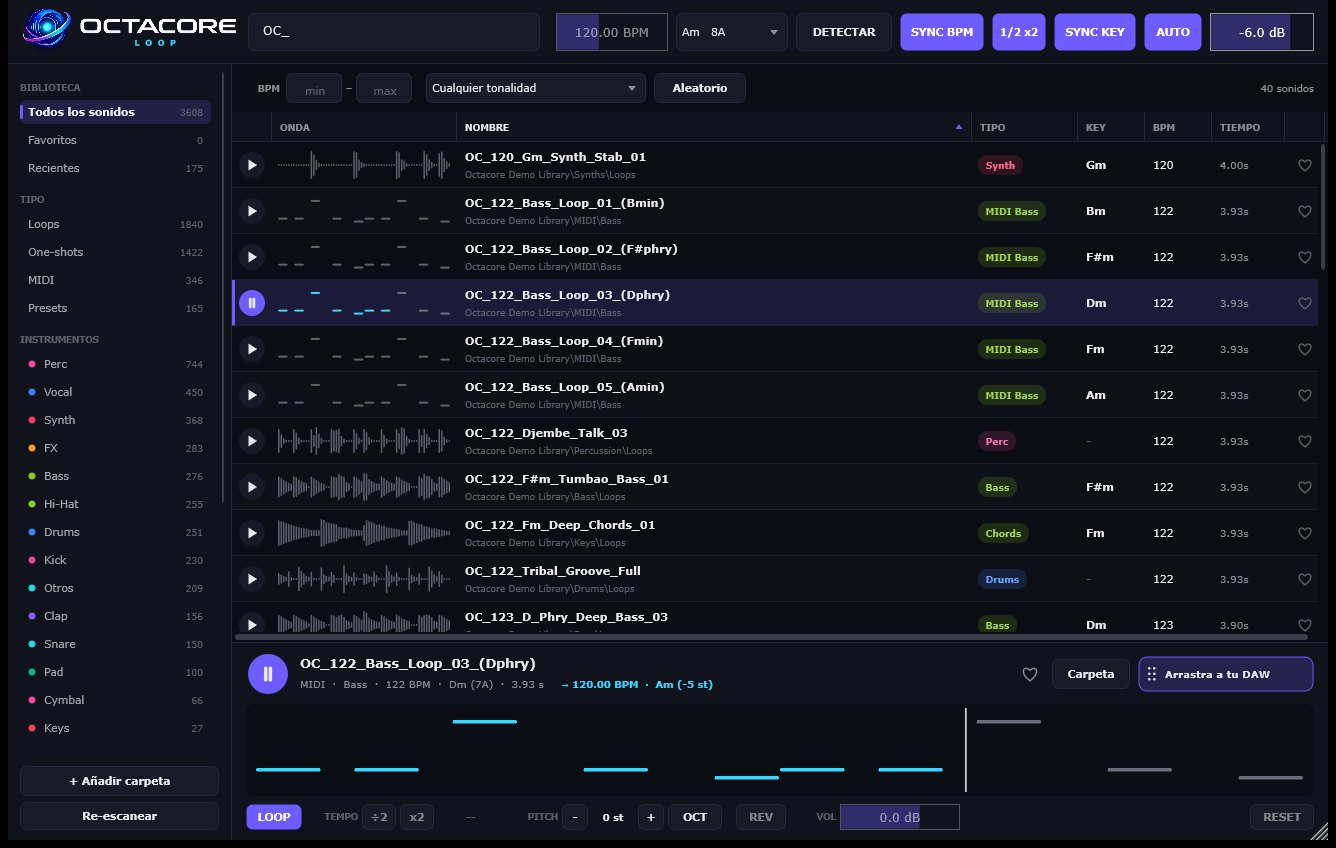
When you like a sound you drag it onto a track and it lands processed: in time, in key and with your edits (region, fades, pitch, reverse, volume, half or double time). MIDI files show as a piano roll and follow along too. An Instrument version for FL Studio triggers the sample from a MIDI note.
Features
- Analyses your folders locally: tempo, key (with Camelot code) and instrument of every sound
- Loops, one-shots, MIDI and synth presets (Serum and more) in a single browser
- Instant search by name, instrument, key or BPM, with filters and shuffle
- SYNC BPM: stretches each loop to the project tempo without changing its pitch
- SYNC KEY: transposes it to the project key by the shortest interval
- DETECT: listens to your project and tells you its key
- Smart half-time / double-time (a 70 BPM loop in a 140 BPM track)
- Sample editor: grid-snapped region, fades, ÷2/x2, pitch ±12, octave, reverse, volume and loop
- Drag the processed WAV into your DAW: in time, in key and with your edits
- Favourites, recents and a view that is remembered even if you close the window
- Instrument version for FL Studio: a MIDI note retriggers the sample
- Scalable interface from 50 to 200 %
Requirements
Windows 10/11 64-bit. Ableton Live, FL Studio, Bitwig, Reaper, Studio One, Cubase and any VST3 or CLAP host. · Version 1.3.0